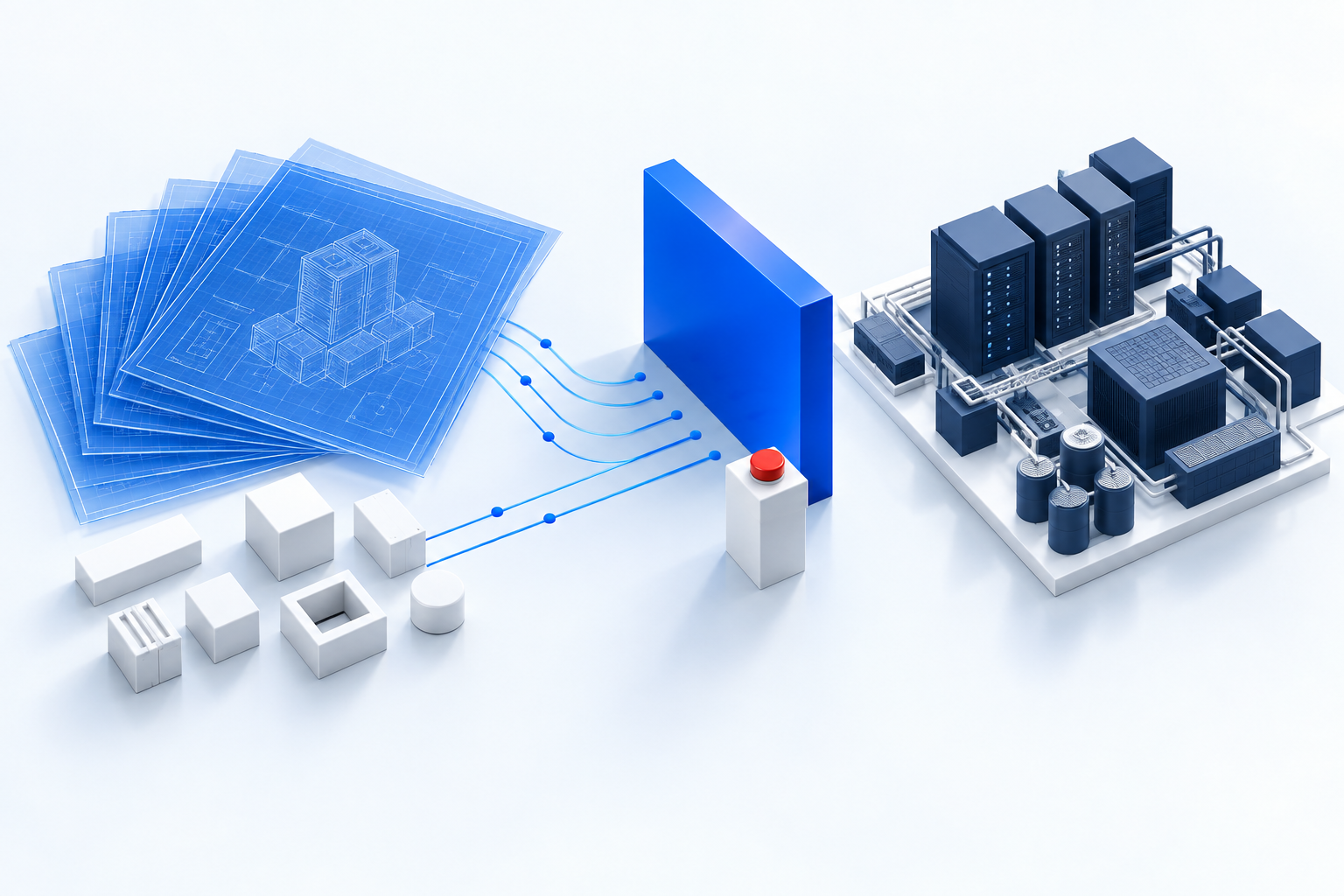
Claude Code writes a useful share of my Terraform now. It drafts Helm values, reviews GitOps configuration and helps me write runbooks. I still decide which changes reach production.
The useful output is a diff I can review. Getting that diff faster doesn’t remove the need to understand it.
My workflow keeps commits, pushes and deployment commands with me. Claude Code’s permissions help enforce that split. But a list of blocked commands is only part of the control: a tool that has production credentials may have more than one way to use them.
Start with Claude Code’s permission rules
The boundary starts with a practical distinction. The agent can edit files in its working copy. Changing a file there must not, by itself, deploy that change.
The deny list from my workflow can be expressed in Claude Code settings like this:
{
  "permissions": {
    "deny": [
      "Bash(terraform apply *)",
      "Bash(terraform destroy *)",
      "Bash(kubectl apply *)",
      "Bash(kubectl delete *)",
      "Bash(helm install *)",
      "Bash(helm upgrade *)",
      "Bash(helm uninstall *)",
      "Bash(git commit *)",
      "Bash(git push *)"
    ]
  }
}
This is a partial example, not a complete isolation policy. Claude Code checks matching deny rules before ask and allow rules. Its documented trailing * form also matches the bare command. Use /permissions to inspect the active rules and where each came from. Claude Code permissions
The limit is in what matches. The documentation explicitly says that Bash(git push *) doesn’t match git -C . push. Other rules and the active permission mode decide what happens to that form. A command pattern is not a restriction on everything the underlying program can do. Bash rule limits
The list also leaves other mutation commands, such as kubectl patch and kubectl edit, to be addressed. A script, another client or a direct API request may reach the same system. Git can change through a hosting API too.
To enforce the boundary beyond the runner, restrict the credentials and access available to its process. Use scoped cloud permissions and Kubernetes RBAC, and keep deployment credentials in the controlled deployment environment. If an agent can edit the policy or obtain a more privileged identity, that policy isn’t an independent limit on its authority.
Kubernetes’ RBAC guidance is useful here. A role’s name doesn’t tell you whether it is harmless; the permissions and the resources it can access do.
For shared rules, Claude Code uses .claude/settings.json; personal project overrides use .claude/settings.local.json. Organization-wide requirements belong in administrator-controlled managed settings, whose policy takes precedence. A checked-in settings file alone is not an administrator-enforced boundary. Settings files and precedence
Make investigation easy, but check what each tool does
I want the agent to inspect code, compare configuration and read the evidence it needs without interrupting me for every step.
Commands such as git diff, helm lint and terraform validate are useful in that workflow. They have different requirements, though. terraform validate checks an initialized configuration for internal consistency. It doesn’t validate remote services or prove that an apply will work.
Validation also runs provider plugins. Review those dependencies and give the process limited access; the command name alone isn’t a security boundary.
terraform plan needs more care than the label “read-only” suggests. It normally reads remote objects to calculate proposed changes. Providers run as code, and a configuration can invoke an external program through an external data source. Review the configuration and its dependencies before running it with credentials.
A plan doesn’t execute the resource changes it proposes. That doesn’t make every program involved in producing it safe to run with unrestricted access.
The output needs care too. A saved plan can contain sensitive values in cleartext, even when terminal output hides them. Store it as a restricted artifact, not as another file to commit beside the code.
For cluster investigation, scope access to the resources and namespaces needed for the task. Logs can contain credentials or personal data. Allowing all kubectl get commands can also expose resources the task never needed, including Secrets if RBAC permits it.
The goal is a useful investigation path with limited access, rather than a broad shell session that happens to avoid one command name.
File rules need an enforced boundary
My workflow also uses hooks to limit file access and block known secret paths. Claude Code’s PreToolUse hooks can inspect a tool call and deny it before execution. Those checks catch ordinary mistakes, and I want them in place.
A hook’s coverage depends on its matcher and code. It doesn’t monitor every filesystem operation inside the resulting process. A command-hook timeout falls back to the normal permission flow, so test failure cases as well as successful rejections. Hook timeouts
Decrypted files remain readable data if the process can reach them. Filenames are a useful hint, not a complete inventory of sensitive content.
Claude Code’s built-in sandbox adds operating-system filesystem and network restrictions to supported shell tools and their child processes. It also incorporates file-deny rules into that boundary. Other tools, including MCP tools, still need their own permission controls. Check the sandbox’s exclusions and unsandboxed retry settings; don’t assume every process is contained merely because sandboxing is enabled. Sandbox scope and enforcement
Default read access is broad, and child processes can inherit credentials through environment variables. Enabling the sandbox alone doesn’t remove either source of access.
For a stronger boundary, give the process only the workspace and data it needs. Keep deployment credentials outside that environment, restrict network destinations where practical, and protect the permission policy from edits. Hooks then support the sandbox and access policy instead of carrying the entire security claim.
Review the route from a diff to production
A normal session ends with changed files, a summary of the proposed behavior and the checks the agent ran. I read the diff as I would a colleague’s work. If something is uncertain, I want that uncertainty named before I approve the change.
For Terraform, review the plan associated with the change you intend to apply. If the configuration or relevant state changes afterward, generate and review a new plan. Keep the deployment step on the human-controlled path with the appropriate credentials.
For GitOps, the merge matters because it can trigger reconciliation. The boundary therefore needs to cover repository access, merge permissions and CI credentials too. Keeping git push off an allowlist is helpful, but it doesn’t replace a protected deployment branch and a review process.
I keep the final commit and apply steps in my hands in this workflow. Other teams may record an agent’s contribution differently. What matters is that a reviewer accepts responsibility for the change and the system records who approved its deployment.
Try the boundary before relying on it
Use a disposable environment to test the restrictions. Verify that an unapproved change can’t reach a deployment identity, that a script doesn’t bypass the intended command restrictions, and that the agent can’t rewrite its own permissions. Check API and connector paths as well as the terminal.
I still get useful drafts, configuration reviews and better incident notes within those limits. The tradeoff is that some tasks need a narrower input or a human-run check. That’s work I can plan for.
The agent can propose the change. Before it reaches production, I need to understand it well enough to approve it.